iPhone + Apple Watch
Track every jump. Watch yourself improve.
Hands-free counting that names every move, plus daily goals and streaks that take you from your first jump to your first double under.

Three steps. Then just jump.
No sensors to clip on and no special rope. Lean the phone against anything, about two metres away.
Step back
Skippy tells you how far to go until your whole body and the rope fit in frame.
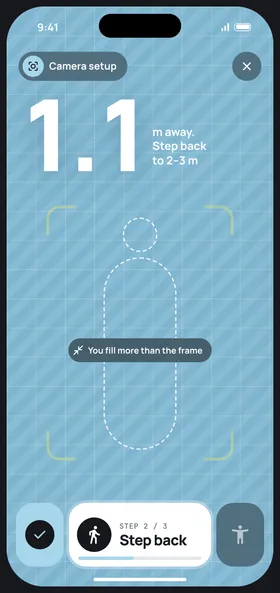
Lock the frame
The corners turn lime when you're in. Start from the phone or your wrist.
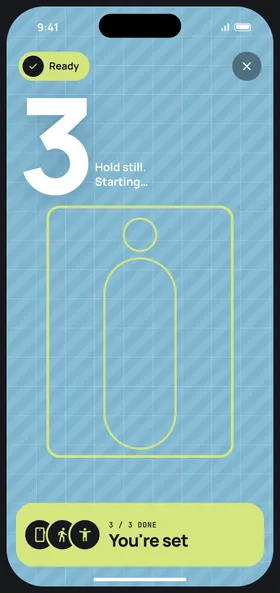
Jump. Get the summary.
Every jump counted, every move named, streaks and misses in one place.
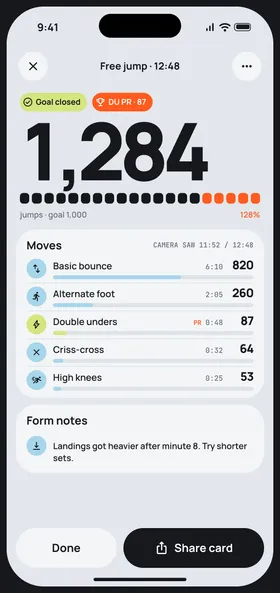
Move recognition
It knows what you're doing.
Switch moves mid-set and the count keeps going. Each move is tallied on its own, so you see where the work went.
- 01Basic bounceFeet together, small hops612
- 02Alternate stepRunning step, one foot at a time388
- 03Side swingRope passes beside you, no jump64
- 04Criss-crossArms cross in front on the way down72
- 05Double underTwo turns of the rope per jump38
One 10-minute session
Goals · Calendar
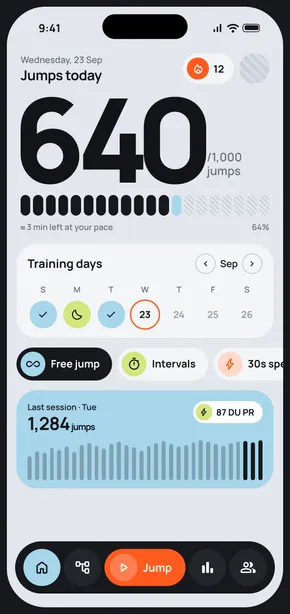
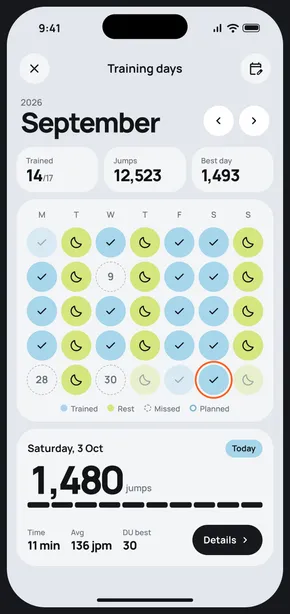
A number to beat, every day.
Set a daily jump goal and the days you train. The month shows what you did, what you skipped and what's next. Rest days count too.
- Trained
- Rest
- Planned
- Missed
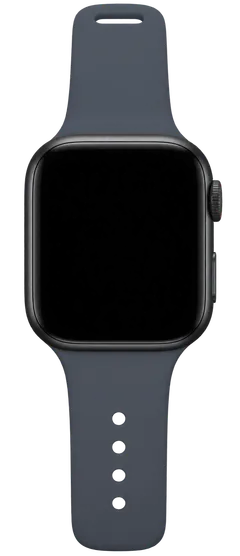
Apple Watch
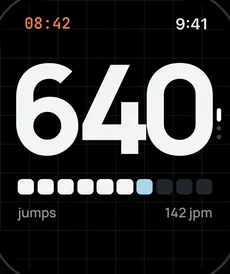
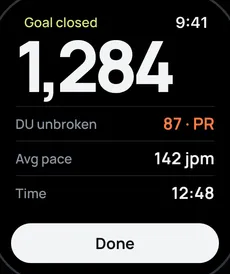
The count on your wrist.
Start, pause and check your pace without walking back to the phone. No camera? The Watch counts on its own.
Privacy
Your video stays yours.
Skippy reads your body pose live to count jumps. Video is never saved or uploaded. Turn the camera off any time in Settings.
- Processed on your phoneLive only
- No recordings, no uploadsNever saved
- Works without the cameraWatch only

Your first jump is number one.
Free on iPhone and Apple Watch.
Download on theApp Store